
Projects and examples
A GDE project has one root folder. It can contain a new design, an existing game repository, or an example you are using to learn the interface.
Open an existing project
Section titled “Open an existing project”Choose File → Open project and select the existing project location. GDE adopts the folder in place; it does not need to move your game’s files into a new template. Keep your current folder layout and review any proposed setup before applying it.
Use Project settings to attach the appropriate engine descriptor or add a binding. Selecting another integration does not convert the game’s code or assets between engines.
Local editor paths belong to this machine. Project-relative bindings and authored knowledge belong with the project. The project model explains that separation.
Try an example
Section titled “Try an example”Choose File → Open example project to return to the editable example. To start from a fresh copy, choose File → New example copy and a new destination.
| Example | Useful for |
|---|---|
| The Last Lantern | Illustrated pages, collections, worldbuilding, spatial plans, markup, an experiment and sample Work. |
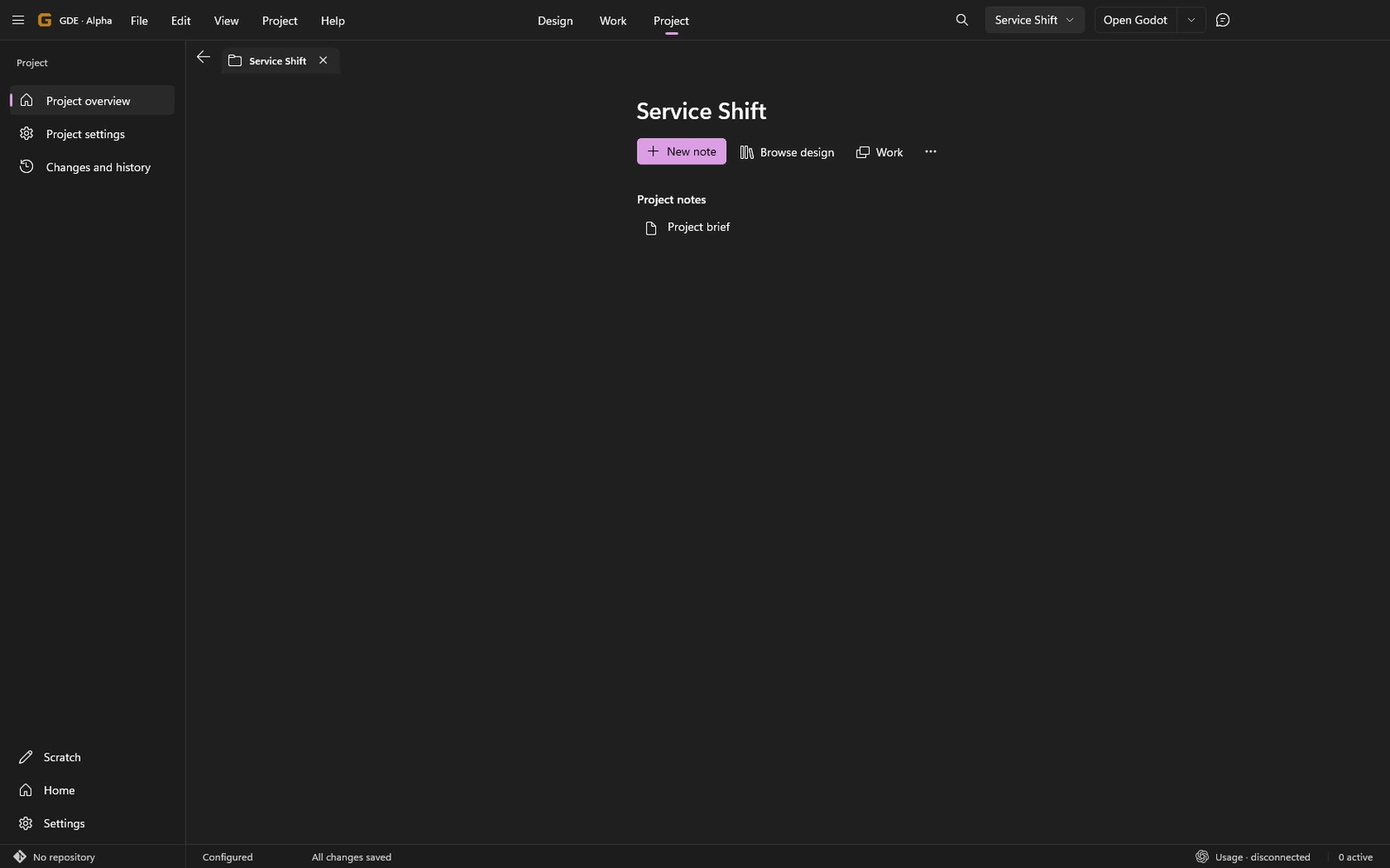
| Service Shift | A small contemporary service-game brief with a Godot binding. |
| Unity adoption | Seeing how an existing Unity-shaped project can sit beside GDE knowledge. |
The examples are files you can change. A fresh copy does not overwrite a copy you have already edited. Opening one does not run an engine, sign into a provider or start implementation.
The Last Lantern’s populated Work is simulated example work. Its cards and results explain the interface; they are not claims about live GitHub work or a tested game. Its generated concept art is sample design material.
Reopen and continue
Section titled “Reopen and continue”Use the project picker or File → Recent projects. Open tabs and project navigation help you return to the same work. If a referenced file has moved outside GDE, locate it in the actual filesystem rather than creating a duplicate just to repair a recent entry.
For setup details, see Your first project and Project and engines.