
Project and engines
Project is the place to return to your game and configure the tools it actually needs.
Project overview
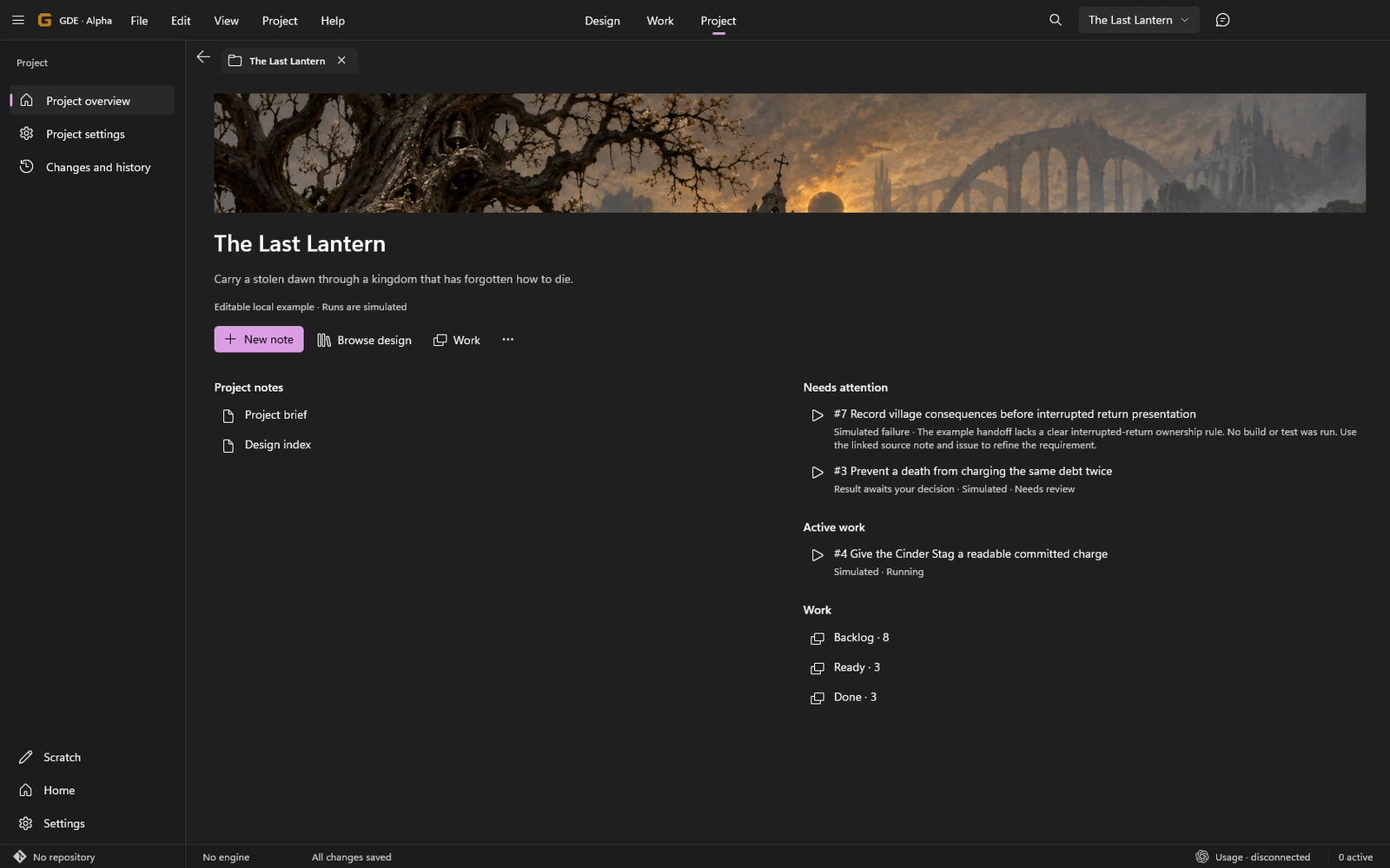
Section titled “Project overview”Home opens the active project’s overview. Continue recent documents, open the project brief and inspect active work or items needing attention. Empty sections should not be read as a health score.
Engine bindings
Section titled “Engine bindings”A binding identifies an engine project and the operations available for it. A GDE project can have no engine binding, one, or several. Keep the active binding in mind when using an editor or build action.
Choose installed tools through project settings. Machine-specific executable paths stay local; project-relative descriptors can travel with the repository. Changing the selected integration does not convert assets or source code to another engine.
The title-bar engine action opens the selected editor or launch profile. Available operations depend on the binding; a custom-command profile exposes the command it was configured to run.
Requirements
Section titled “Requirements”Requirements answers “What does this operation need on this machine?” Select the intended operation before interpreting its state.
| State | What to do |
|---|---|
| Available | The stated local requirement was found. This is not a gameplay test. |
| Missing | Supply the named tool or prerequisite, then check again. |
| Unknown | Inspect the explanation; GDE could not establish the requirement. |
| Unsupported | Choose a supported operation, platform or tool configuration. |
A missing build tool does not block local writing. Check the selected engine and target instead of installing every optional tool.
Unreal
Section titled “Unreal”Create from the selected installed engine’s Blank Blueprint or C++ template, or attach an existing .uproject. Review the target and plugin preset for the project you are making. Source-engine acquisition is a separate setup operation, not something opening a note should start.
Launch profiles include editor, standalone and local multiplayer-related modes where supported. Requirements depend on the selected engine and operation. C++ compilation needs its corresponding Windows toolchain.
Editor connectivity and process startup are distinct. A launched process does not prove an MCP connection or a working game. See the capability matrix before relying on a connected workflow.
Create a minimal project.godot with the chosen renderer and optional empty scene, or attach an existing project. Select the installed editor, including the .NET variant when the project requires it.
Import and export use the selected editor and the project’s actual export preset. A Windows result may need its companion PCK file unless that data is embedded.
Create with the selected installed stable editor or attach an existing Unity project. Unity remains responsible for its license and installed modules. GDE does not substitute a guessed project version for the one the game needs.
Build operations use the configured project build method. A Windows player is more than its executable: its data folder and supporting files belong to the result too.
These integrations are implemented alpha paths. Their presence in the interface does not mean connected engine or platform certification has been completed.