
Maps and canvas
Use a map when location, distance or floors matter. Use a canvas when you want to arrange ideas and relationships freely.
Make a spatial plan
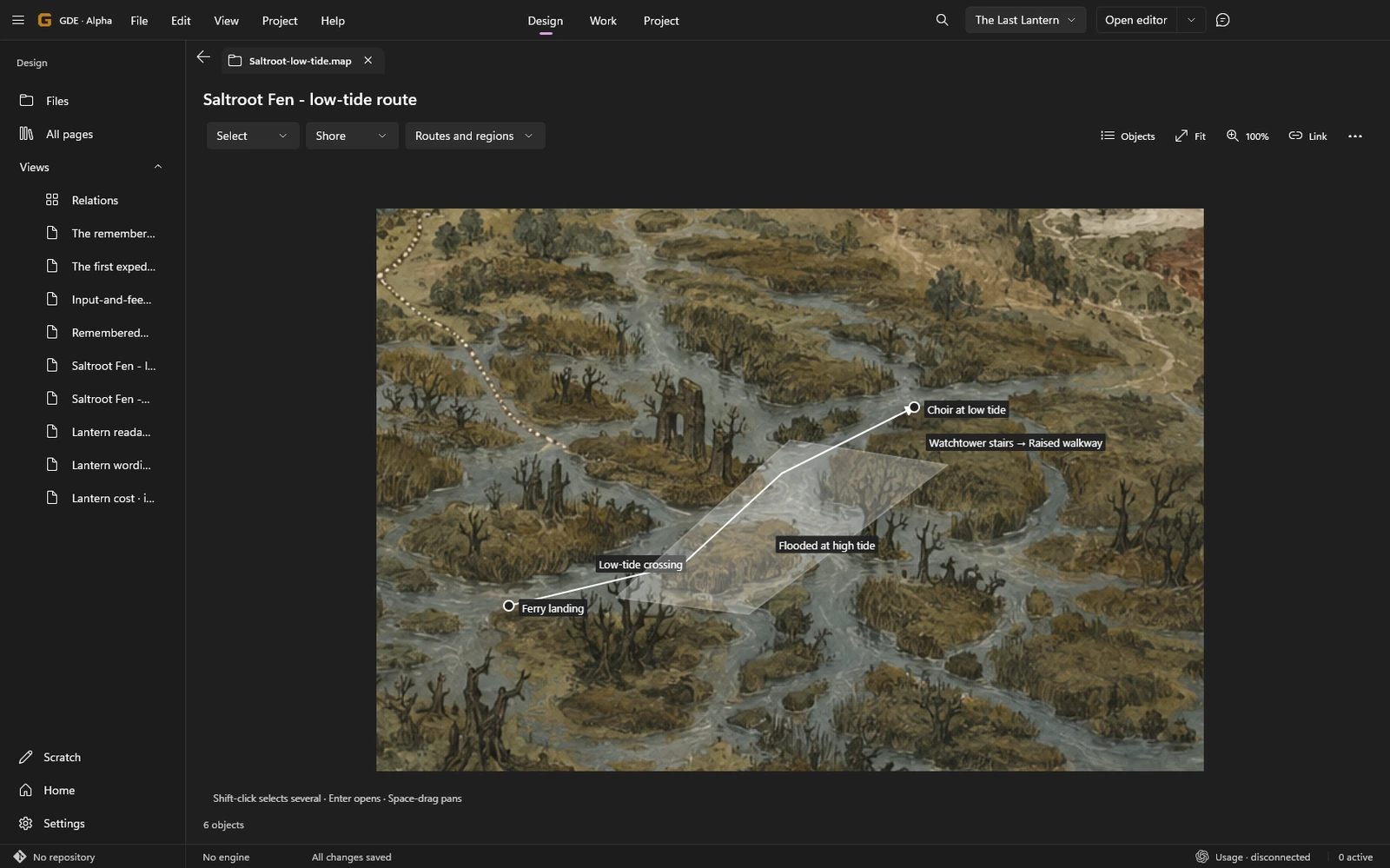
Section titled “Make a spatial plan”A map can start blank or use a background image. Add pins, routes, regions, labels and vertical links. Floors and layers separate parts of a plan; calibration gives its drawing coordinates a useful scale.
Link an object to a project subject so the plan and written design stay connected. Selecting an object lets you inspect it; opening its linked subject takes you to the page.
Use Fit to see the whole plan and 100% to return to its base scale. Selection, pan and zoom are view choices. Object edits change the authored .map.json file.
Compare alternatives
Section titled “Compare alternatives”Open a second plan through the comparison action. Comparison is read-only: inspect the alternatives without accidentally editing the other source. Return to the plan you intend to change before continuing design work.
A changed background image may no longer match the plan’s recorded image. Relink it explicitly rather than assuming the old annotations still align.
Arrange a freeform canvas
Section titled “Arrange a freeform canvas”A .canvas document stores text cards, file references, groups and connections in the JSON Canvas format. Arrange cards to explore mechanics, references, a quest structure or competing approaches.
Move a card or group, connect related cards and open linked files without copying their content. Convert a text card to a page explicitly when it deserves its own subject. Deleting a reference card does not delete the linked page.
Continue editing while a save is pending
Section titled “Continue editing while a save is pending”Normal consecutive gestures are queued for saving. If persistence fails, the unsaved edits remain available for recovery; do not assume the visible scene is already on disk.
Retry checks the original source version. If another application changed that source, save a separate retained copy before deciding which version to keep. Undo, Source and navigation coordinate with pending edits. See retained visual edits.