
Game Development Environment Windows · Alpha
The game in your head.
The project in view.
Write the design. Connect the world. Follow the work into implementation. GDE brings it together in a native Windows workspace, over your own project files.
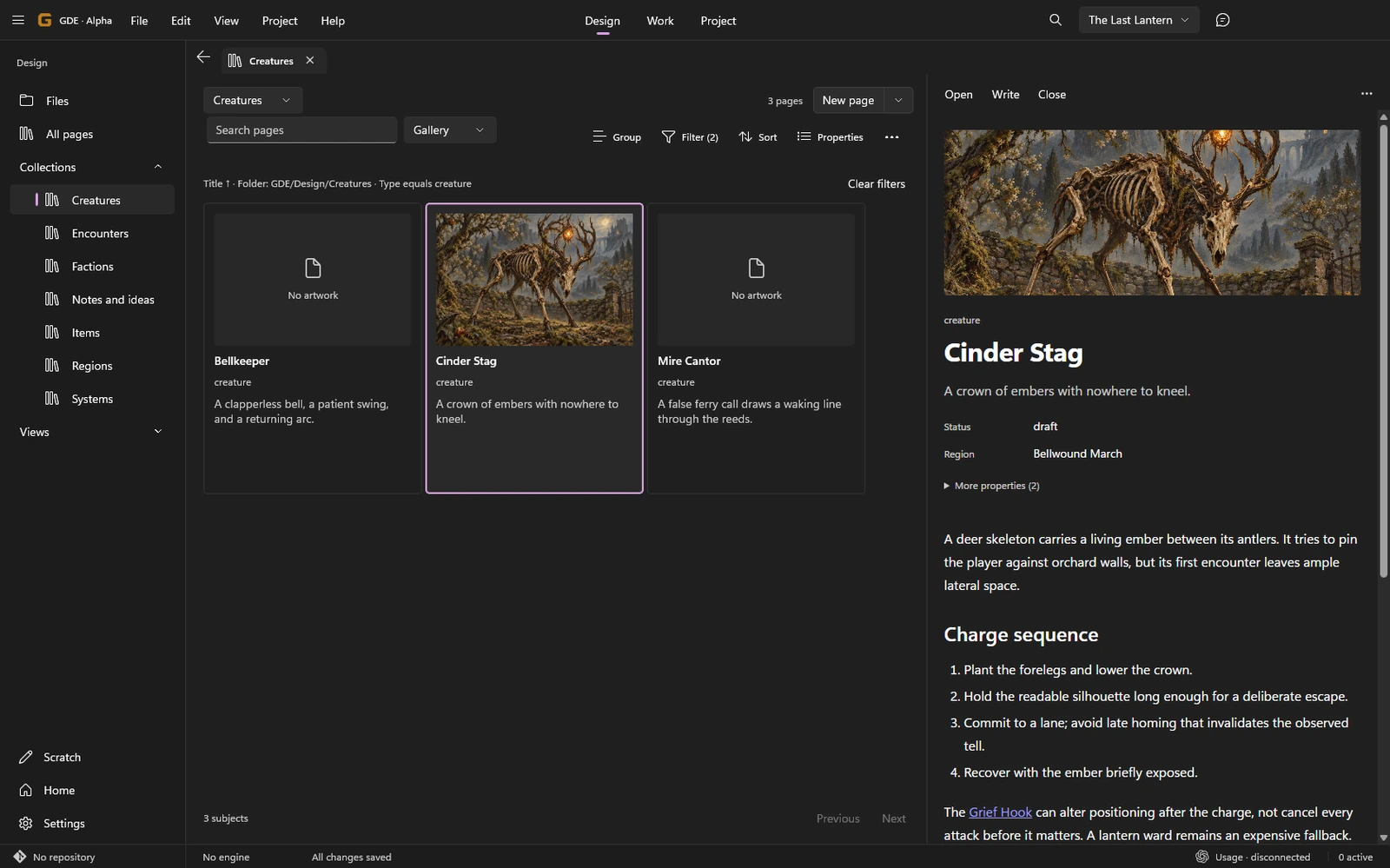
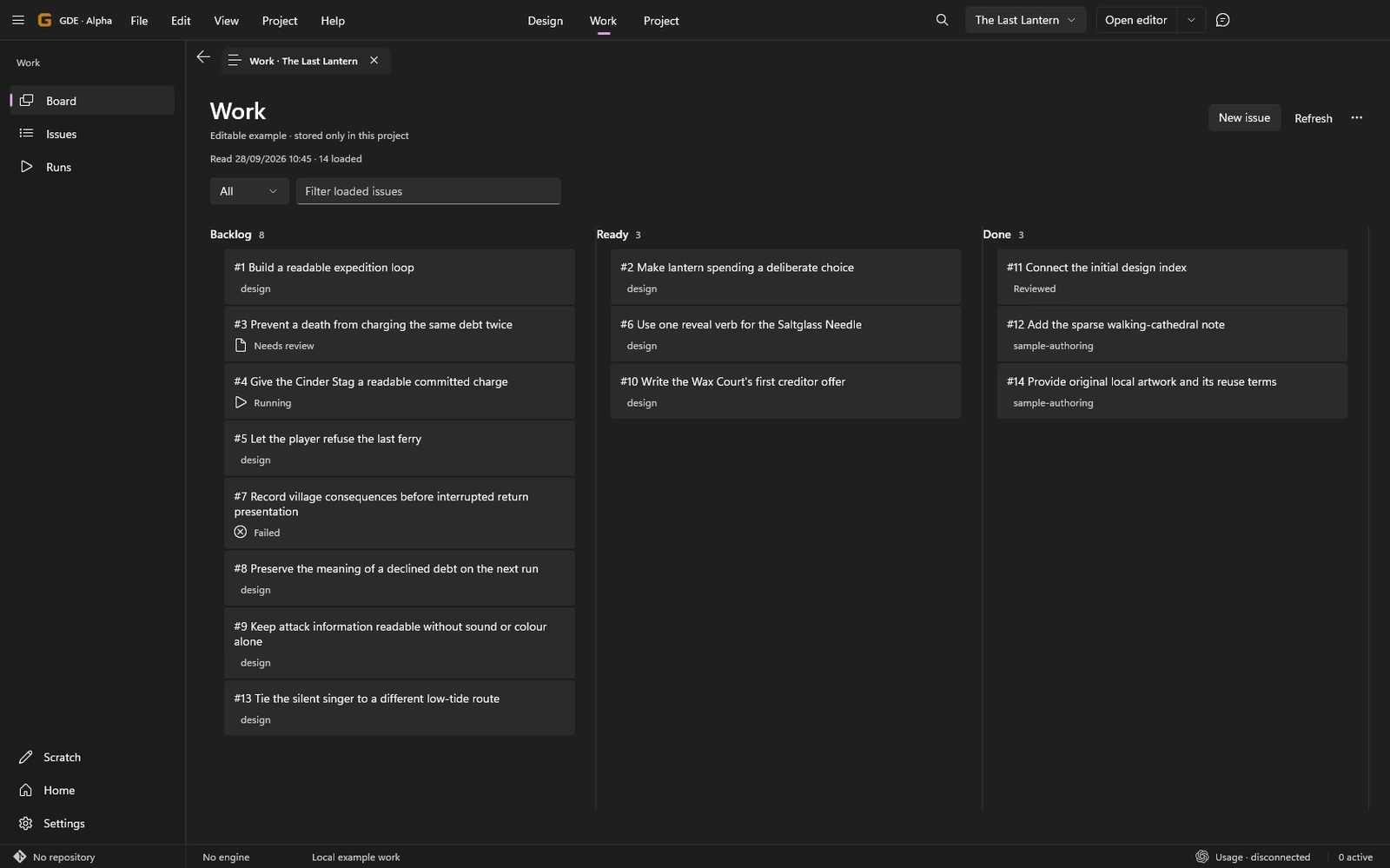
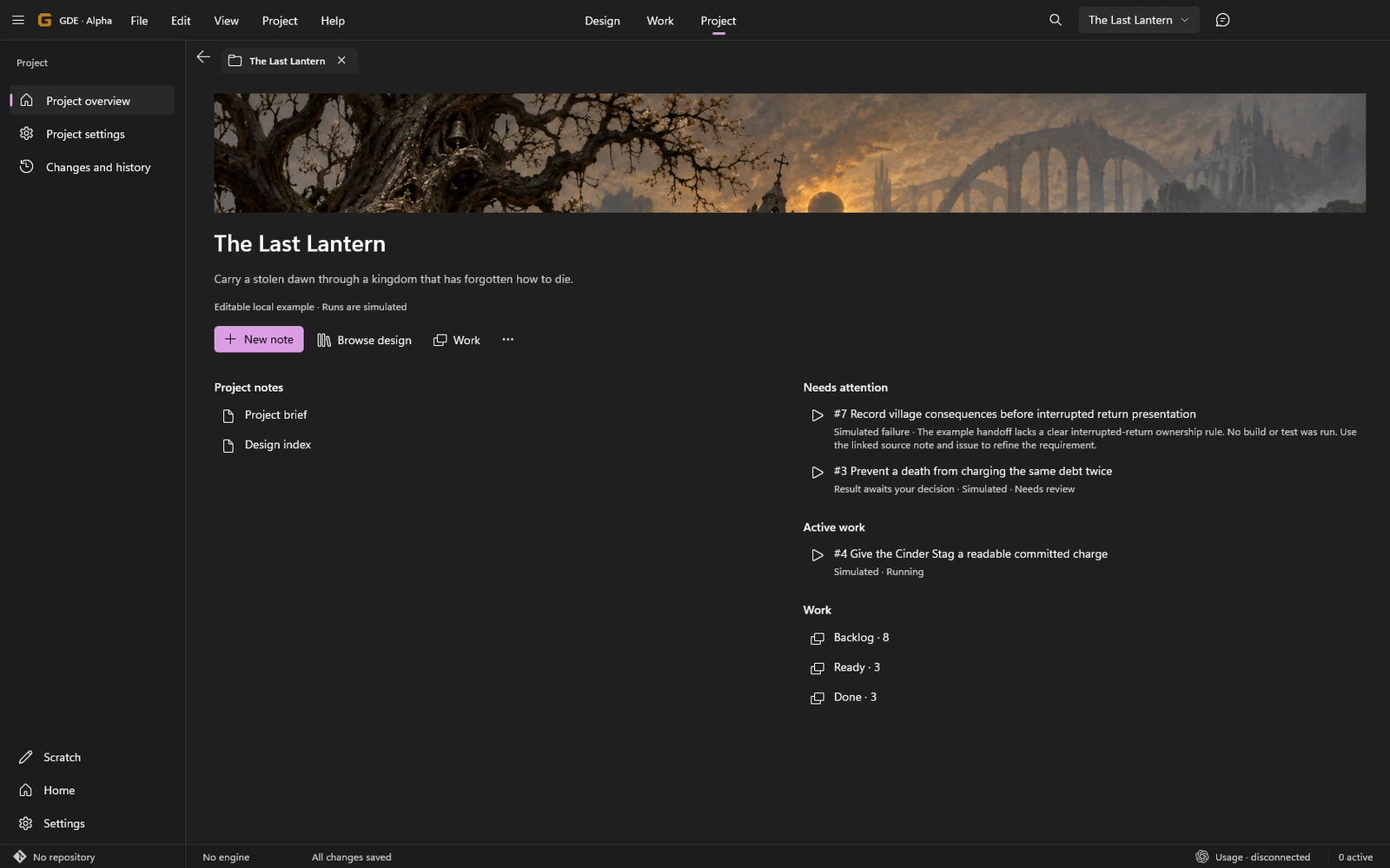
Current GDE interface · editable sample project · concept art shown as design material
Give the game a shape.
Pages, collections and visual plans share the same project. A rough idea can stay rough until you are ready to develop it.
Explore DesignKnow what is happening.
Read issues, follow Runs, inspect changes and review results. A place on the board never stands in for evidence.
Explore WorkKeep the context close.
Open an existing project or start with writing. Bring in engine bindings and tooling when the work needs them.
Explore ProjectA place for the world
Move between the page
and the bigger picture.
Write a location, place it on a map, connect it to other subjects, or arrange an alternative on a canvas. The linked page stays the same page.
Compare routes, floors and plans without turning design sketches into claims about a running game.
Plan a location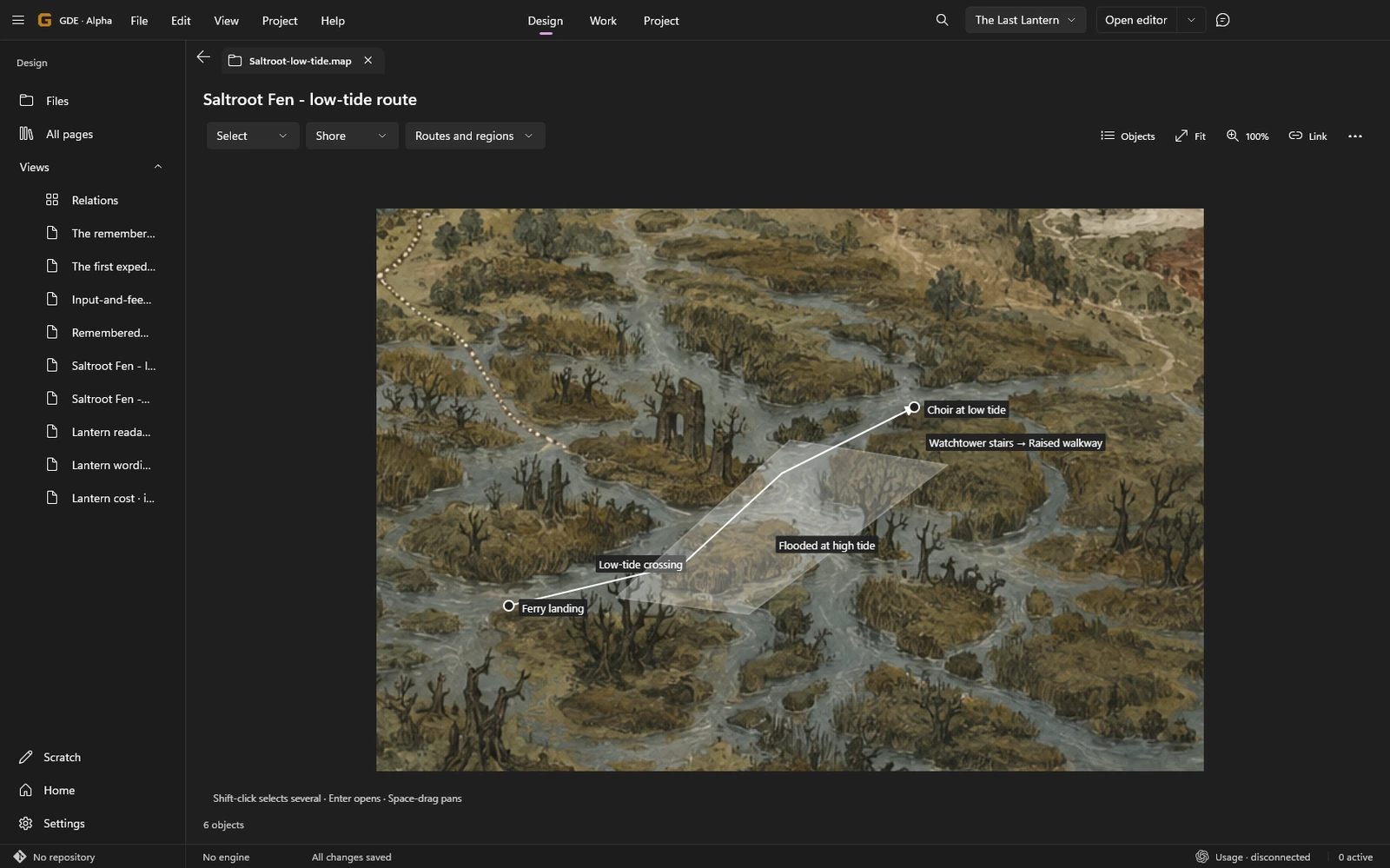
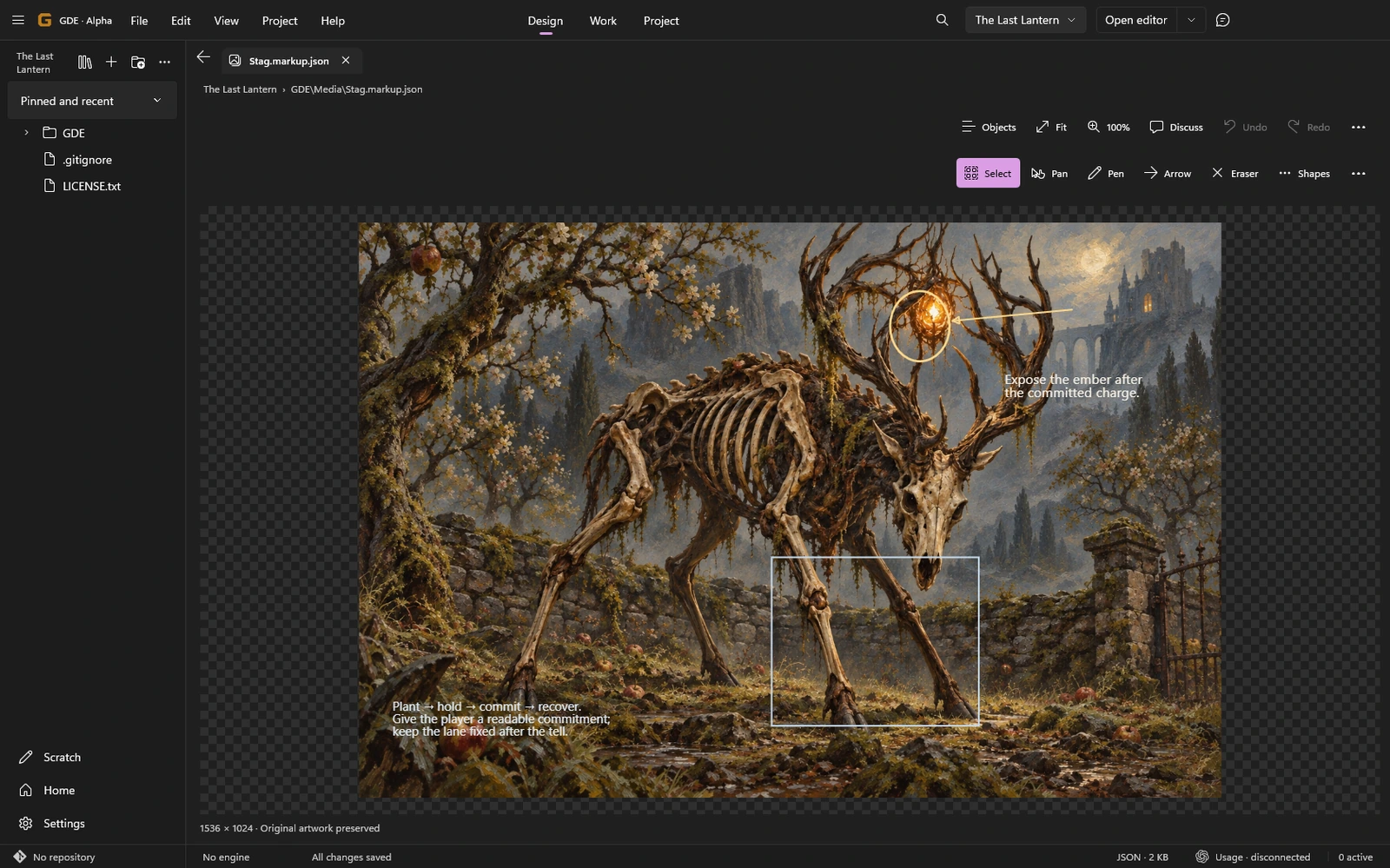
Make the intent visible
Point to the thing
you mean.
Sketch over a reference, mark an interaction, or put two ideas side by side. Share the actual view with Director when you want help discussing it.
The image, its annotations and the captured context keep their own identities.
Review concept artNumbers with their working
Keep the comparison.
Keep the assumptions.
Run a configured calculation, inspect its table and chart, and compare two retained results. Keep the script, inputs and output close to the question you were exploring.
Explore experiments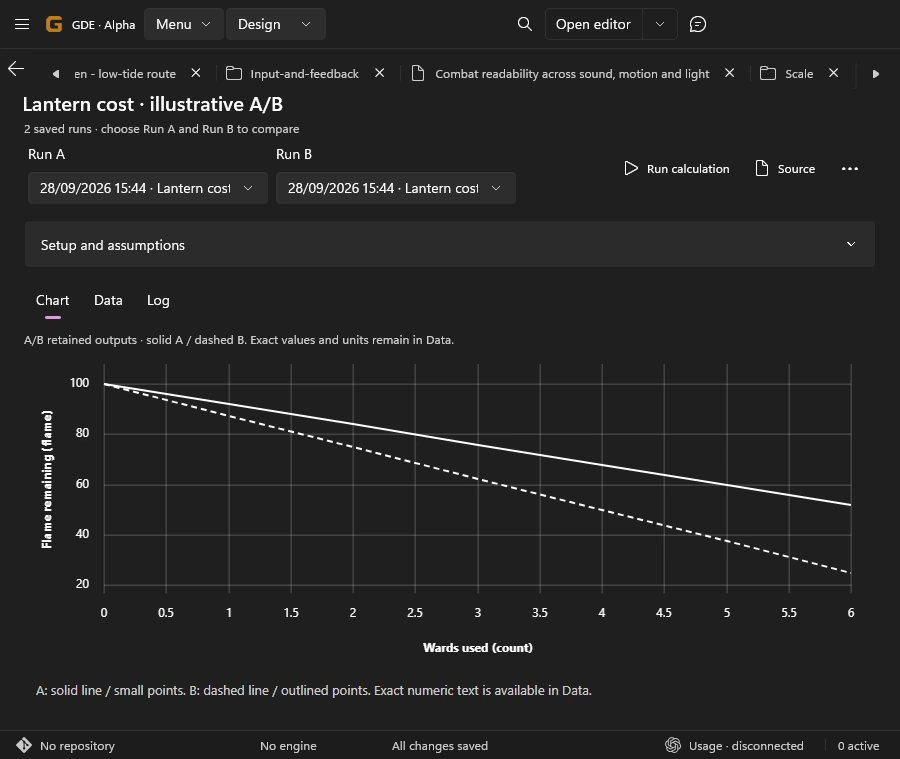
Your project stays yours
Ordinary files.
Useful connections.
GDE works with Markdown, local artwork and inspectable authored views. Git keeps the history; GitHub owns production issues; Codex supplies the connected runtime; your engine owns the game.
Unreal, Godot and Unity have bundled integration paths. A project without an engine or account is still a place to write and build knowledge.
See the engine capability matrixA workbench taking shape.
This manual describes the implemented alpha. There is no public download or Store release yet. Connected workflows still need evaluation with real providers and engines.